/* THE ALGORITHM THAT PROVES 1+1 IS NOT 2 */
Empowering developers to use AVAP within their
preferred development environment
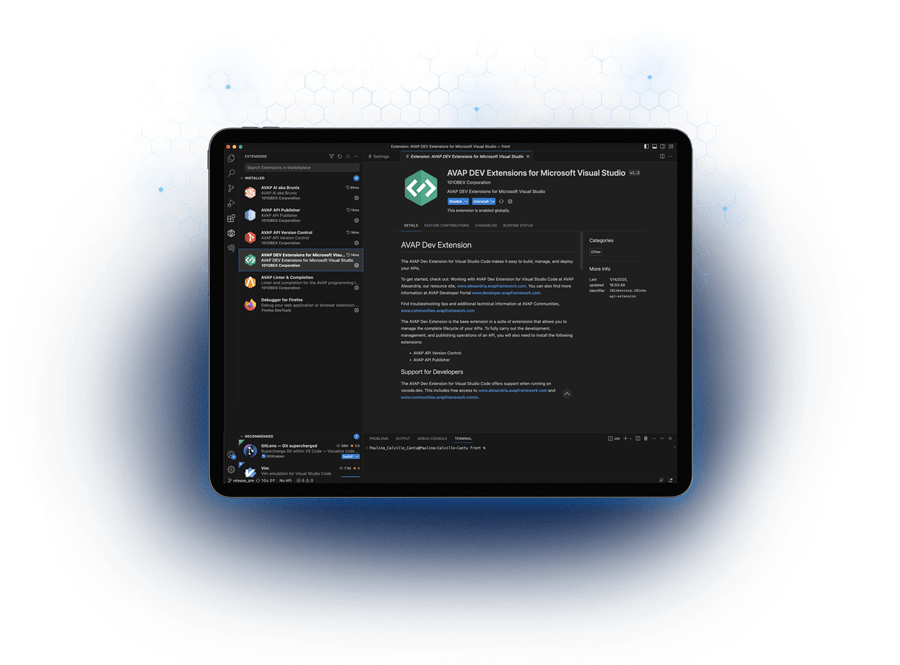
Unlock Seamless API Development
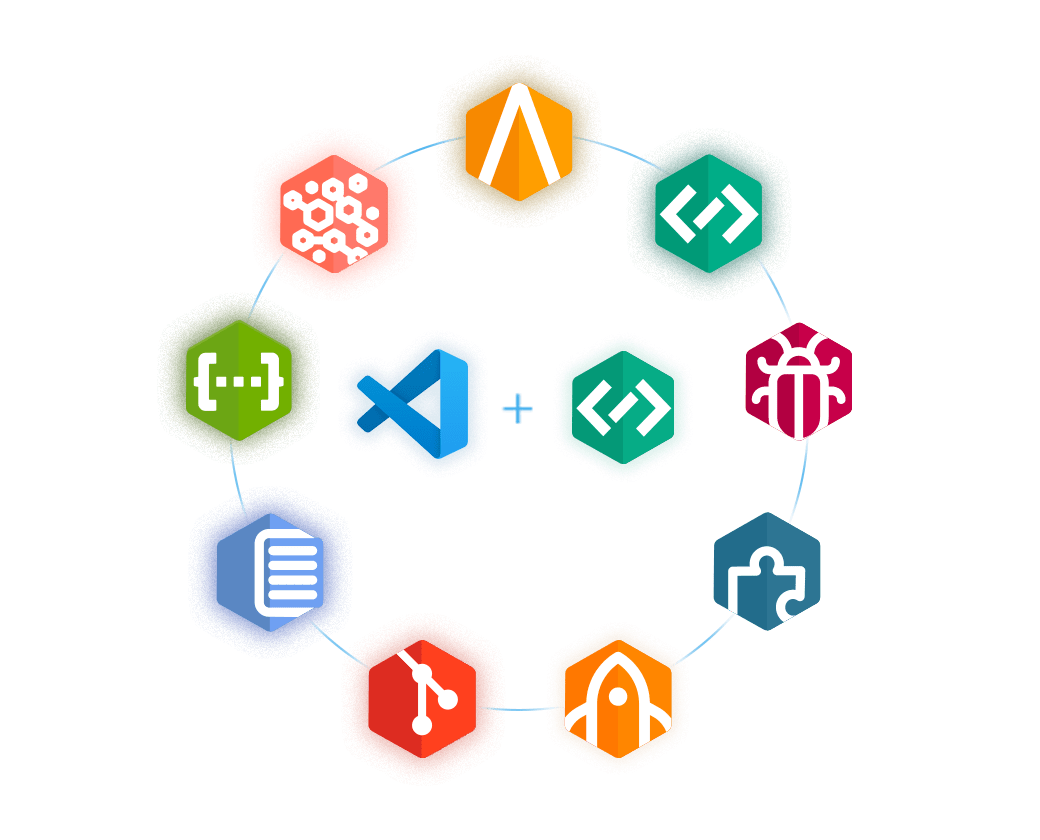
AVAP Neural Extensions are powerful tools designed to seamlessly integrate AVAP programming language into Microsoft Visual Code. By leveraging AVAP extensions, developers can efficiently build, test, and manage Virtual APIs within their familiar coding workspace while taking full advantage of the language’s specialized features tailored for API development.
Extensions
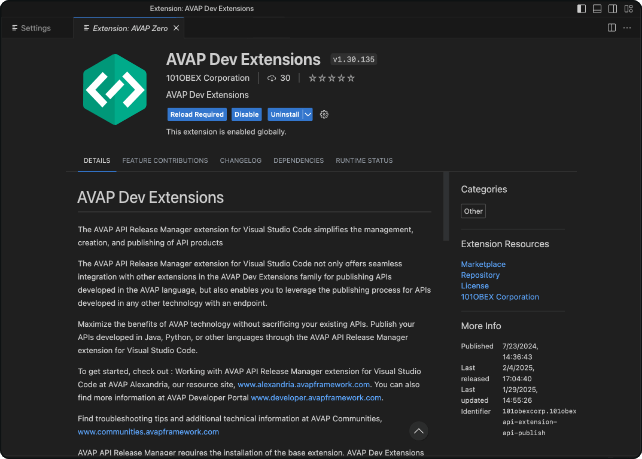

Core extension for managing your AVAP development workspace. Connect to your AVAP ID, configure environments, and organize users, projects, and teams from Visual Studio Code, your starting point for building with AVAP.
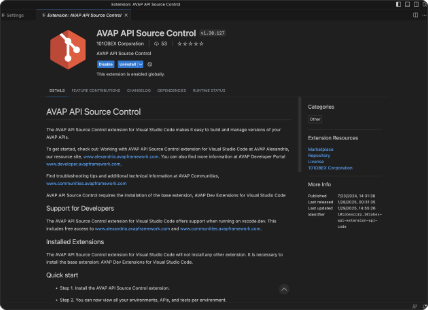
This extension allows you to create code repositories, manage code evolution, and track deployed versions across environments for efficient version control and seamless development.
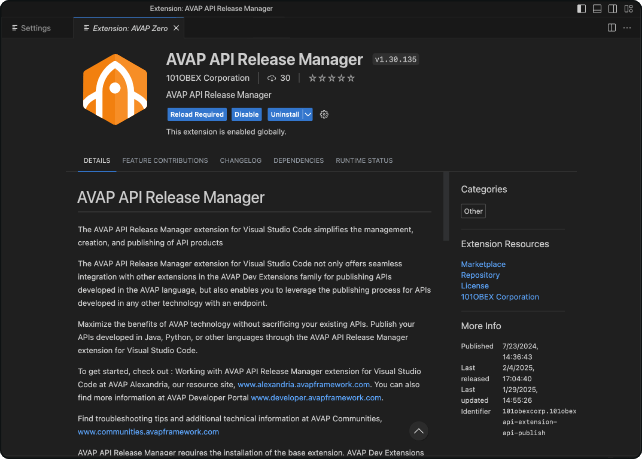

It integrates seamlessly with other extensions in the AVAP Dev family, enabling the releasing of APIs developed in the AVAP language. It also supports the releasing of APIs created in other technologies with an endpoint. AVAP Dev Extension for Visual Studio Code is required.

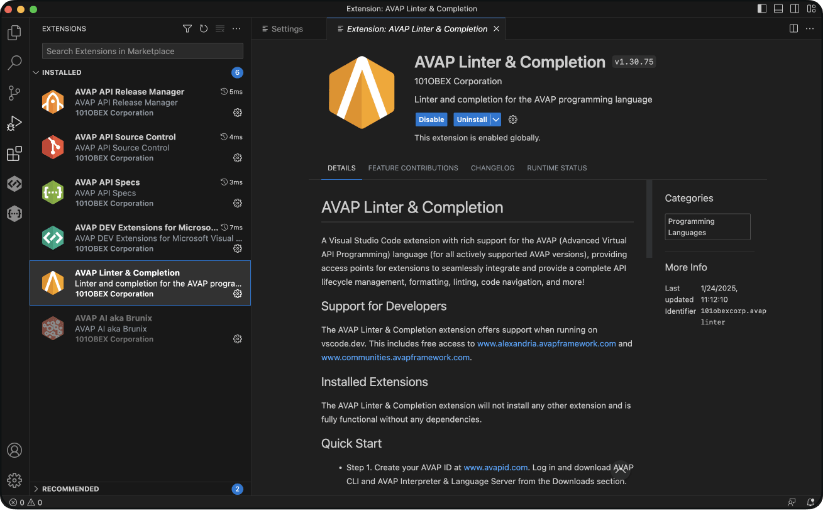
AVAP Linter & Completion
A Visual Studio Code extension with rich support for AVAP language, providing access points for extensions to seamlessly integrate and provide a complete API lifecycle management, formatting, linting, code navigation, and more.

This extension simplifies publishing and managing API specifications. In collaboration with the Open API Initiative, this extension allows developers to effortlessly work with the OpenAPI Specification (OAS), streamlining API documentation within their IDE.

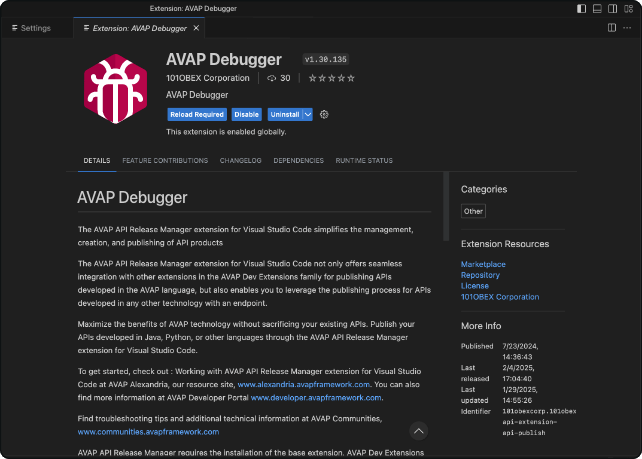
It delivers a seamless debugging experience, enabling developers to set breakpoints, step through AVAP code, inspect variables, and analyze execution flow with precision. Designed for efficiency, it streamlines troubleshooting and enhances the debugging process within the AVAP development environment.
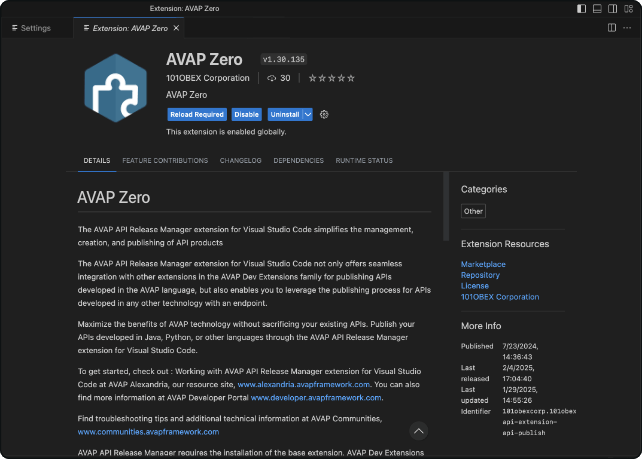

The AVAP Zero Extension for MVSC empowers developers to build, deploy, and manage APIs effortlessly. Using a no-code interface powered by Brunix, Gen AI, it streamlines API creation and optimization directly within Visual Studio Code for faster, scalable solutions.
Key Features
API Development Streamlined
Enhance API design, building, development, and testing with AVAP extensions in Visual Studio Code, enabling efficient API creation and testing workflows.
Key Features
Seamless Integration with AVAP
Effortlessly incorporate AVAP features into your coding workflow.

Key Features
Release Management
Manage multiple API releases and present them across environments with ease.